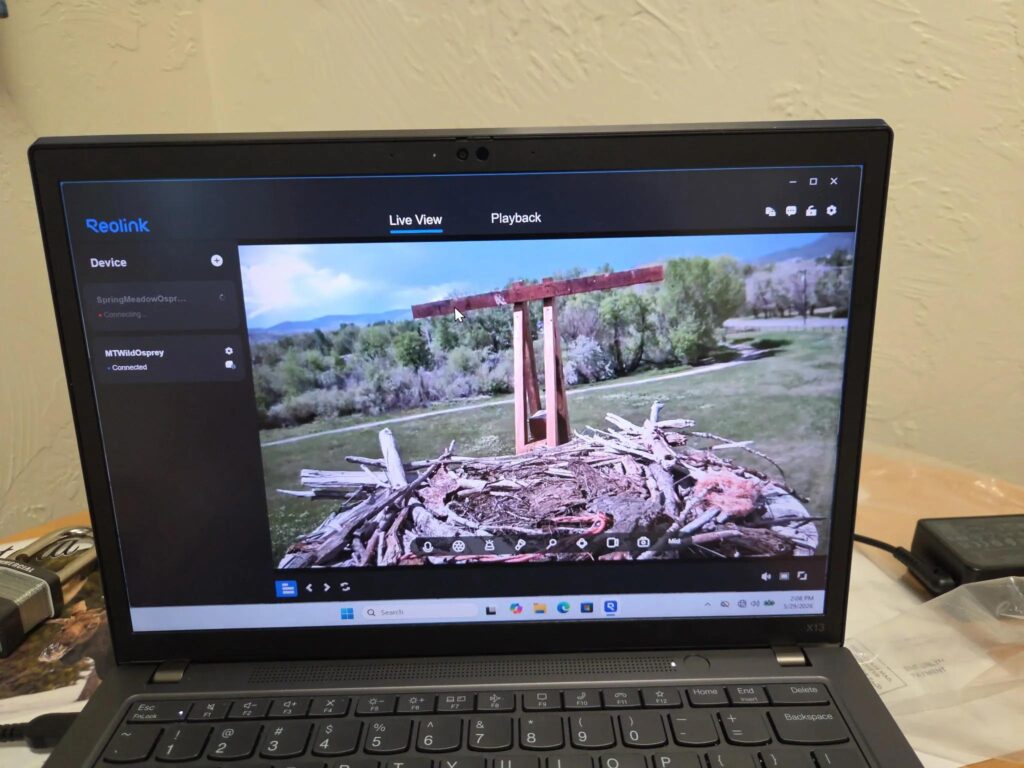
The goal of this project was to install a camera on a new osprey nest platform and live stream to YouTube as economically as possible.
A new osprey nest post and platform was installed near Spring Meadow Lake. Last Chance Audubon Society and Montana Wild were looking for a way to live stream video of the nest.
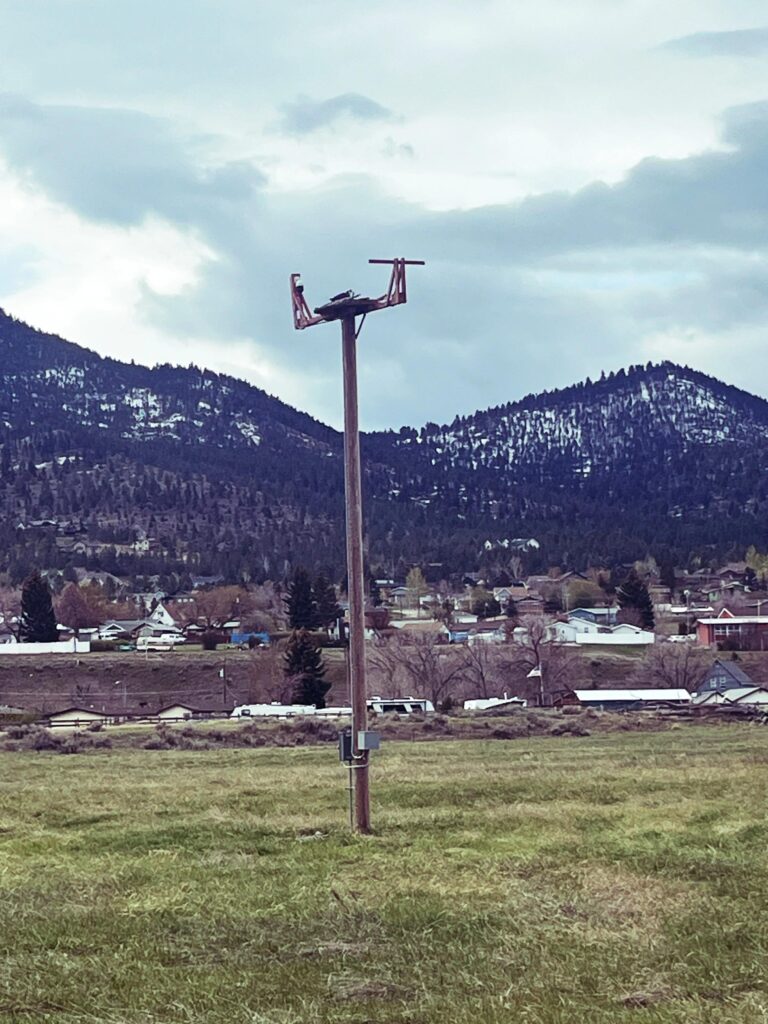
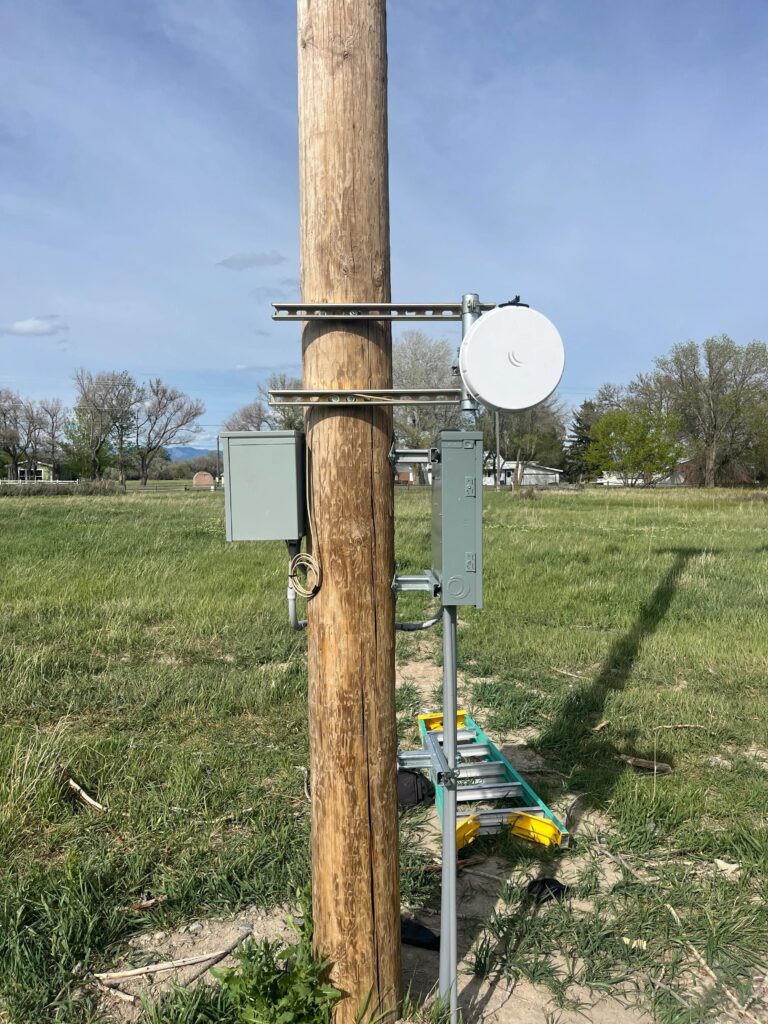
The new platform sits about a quarter mile away from Montana Wild. Internet access is available in the main building so the plan was to install a pair of wireless radios to provide connectivity to the camera.
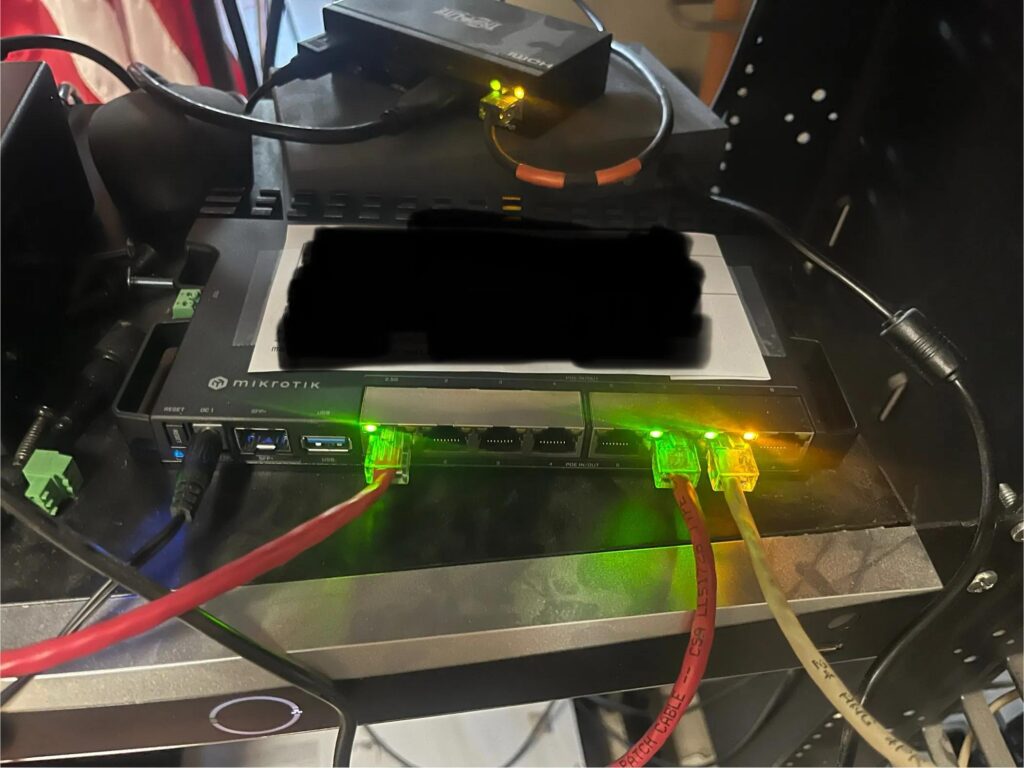
For security, I wanted to isolate everything from the rest of the state network. I’ve been a long time proponent of Mikrotik hardware, the performance really can’t be beat for the price.
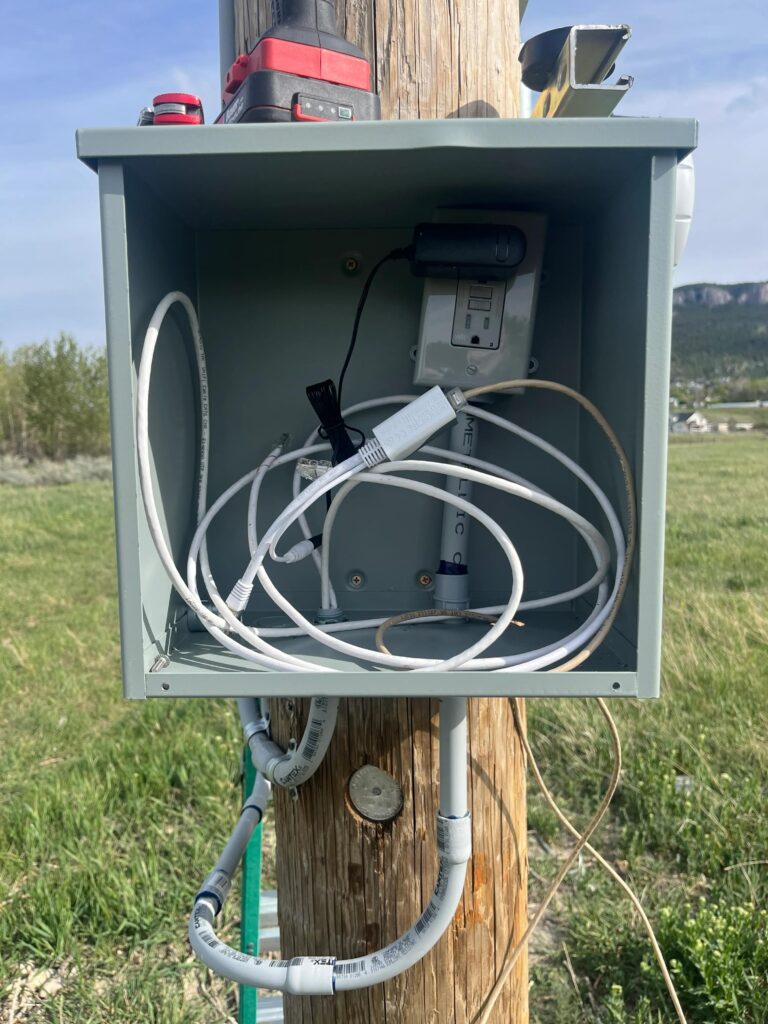
Here’s what we purchased for the project. Along with the electrical enclosure and the mounting hardware, I believe we ended up in the $1500 range all total. For software, we’re using OBS which is open source and free to use.
- Mikrotik RB5009 router/firewall. Also provides PoE for the radio on the Montana Wild side.
- Mikrotik NRay 60ghz point-to-point wireless radios. At a quarter mile with clear line of sight, these radios can do a gigabit per second over the air. I opted against 5ghz radios so as not to introduce any interference for local wifi.
- Reolink RLC-823 camera. This is a 4K camera with PTZ (pan/tilt/zoom). Image quality is fantastic for the price and it provides an RTSP video stream to send to the streaming software, OBS
- Refurbished Lenovo laptop. The laptop runs OBS. A streaming computer doesn’t have to be anything particularly powerful, anything in the last 5 or 6 years and at least 8GB of RAM will more than handle a 4K stream.
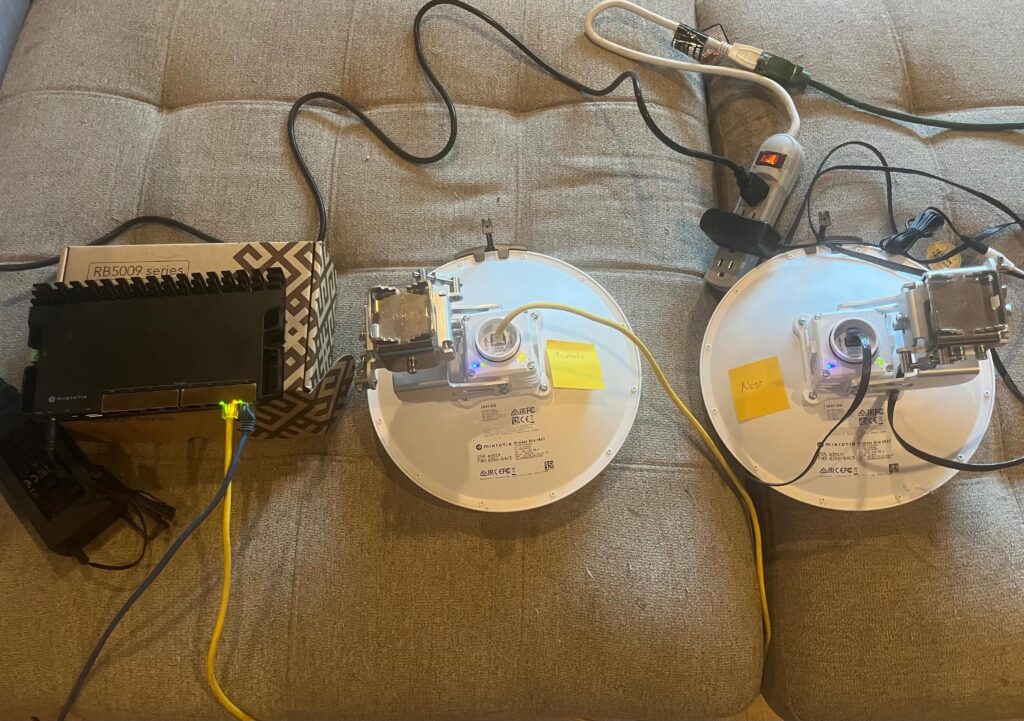
I didn’t keep track of time to closely. We spent a few hours getting the radio mounted on the building and the ethernet wire run inside. Another few hours mounting the radio on the post side.
I probably had a few more hours in configuration time and getting a port configured for internet access.
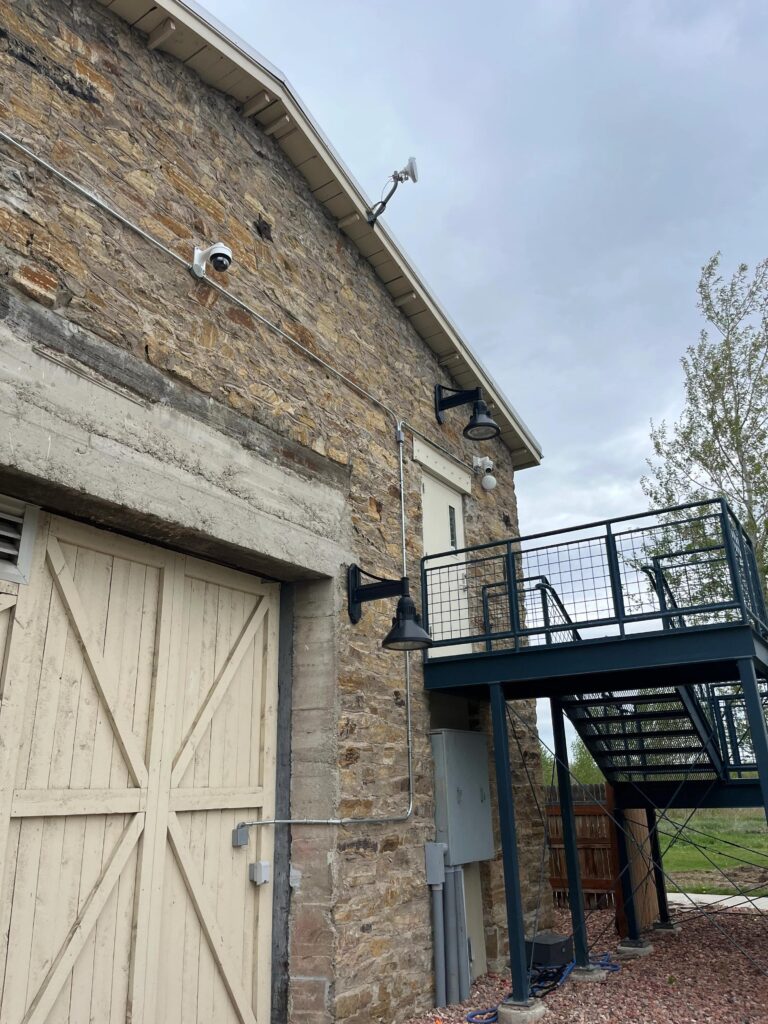
OBS runs on a laptop in the main office. Streaming is pretty straightforward. In the camera configuration, we create an RTSP stream pointed at the laptop’s IP address. A Youtube streaming key is the only thing that OBS requires to send the stream to Youtube.